Every pull request, one window.
BorgDock watches your checks, tells you what needs you, keeps your work items next to the agents on them, and lets you review and merge without opening a browser tab.
Watch
See every check at a glance
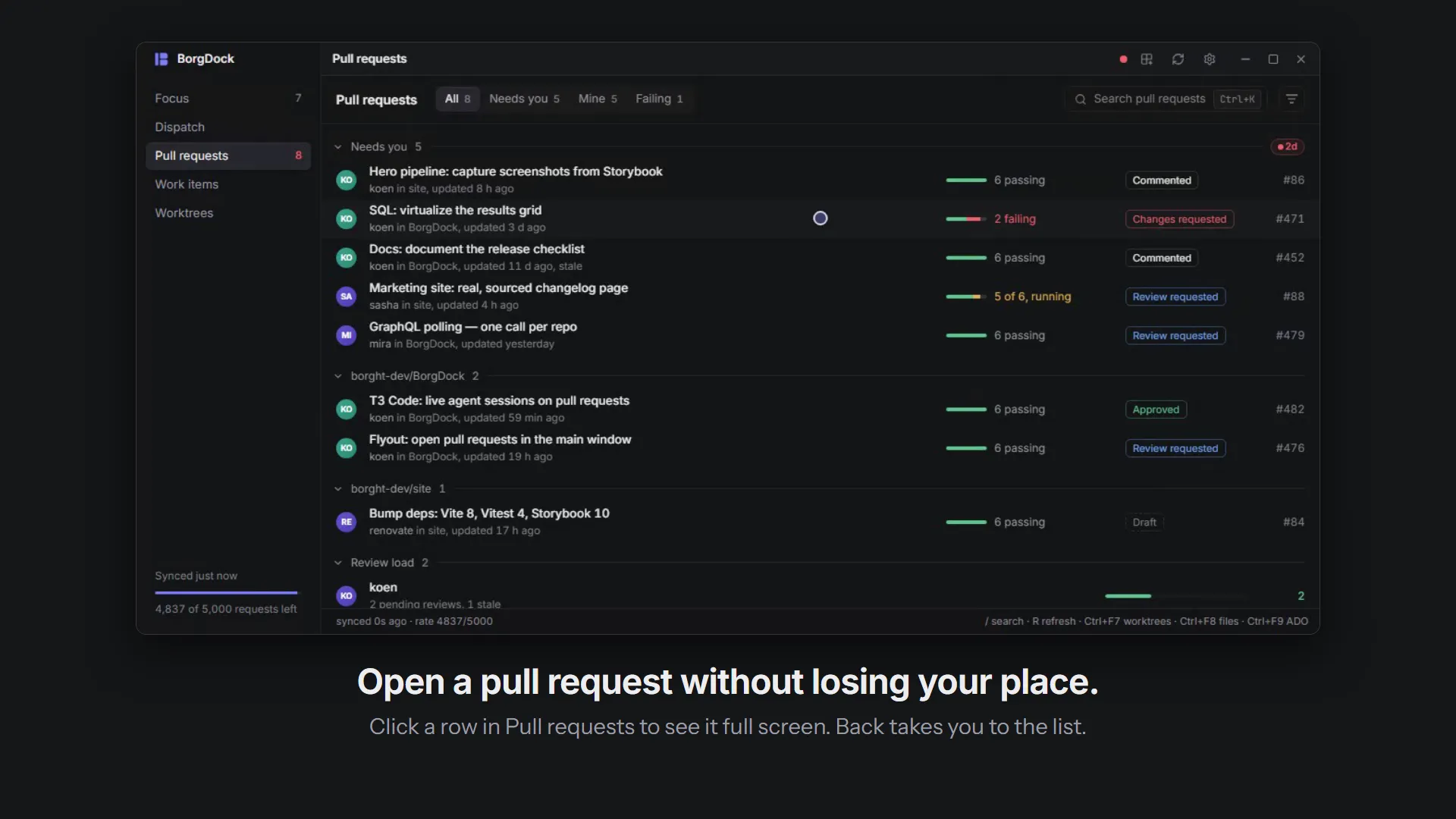
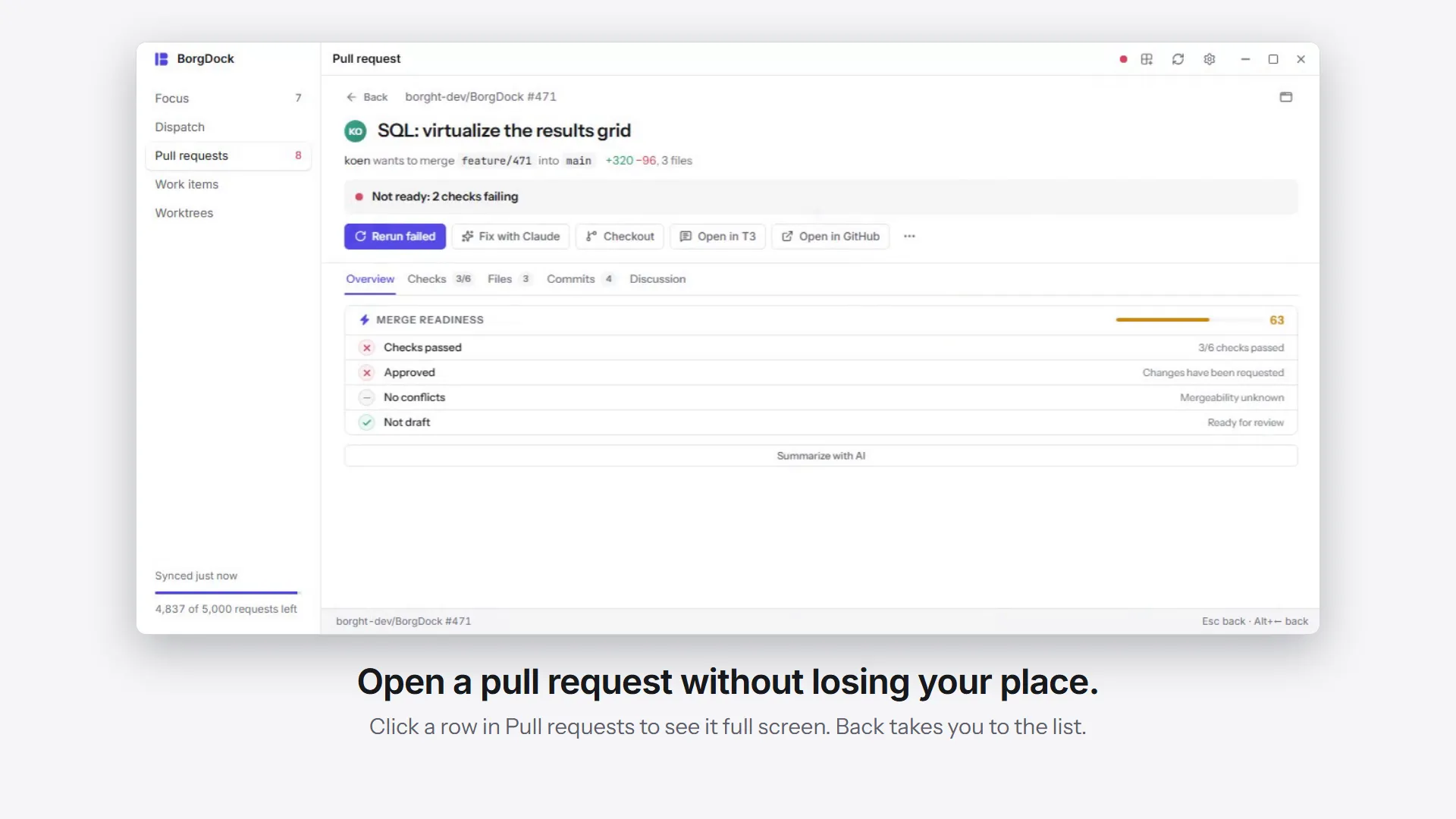
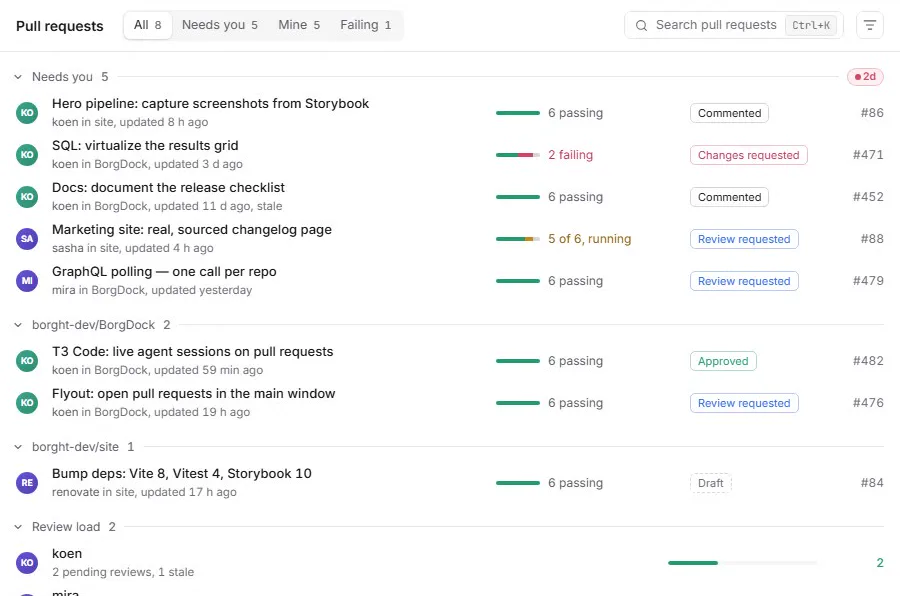
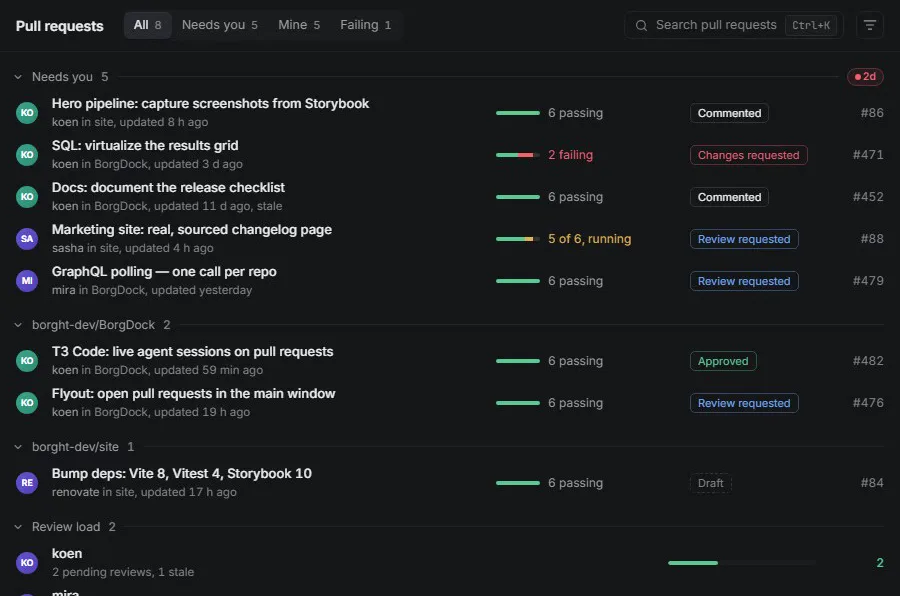
Every open pull request gets one row: who opened it, where it stands, and its checks as a single bar. Red means something failed, amber means it is still running.
Pick Needs you, Mine or Failing and the list rearranges itself in place.
Decide
Know what needs you next
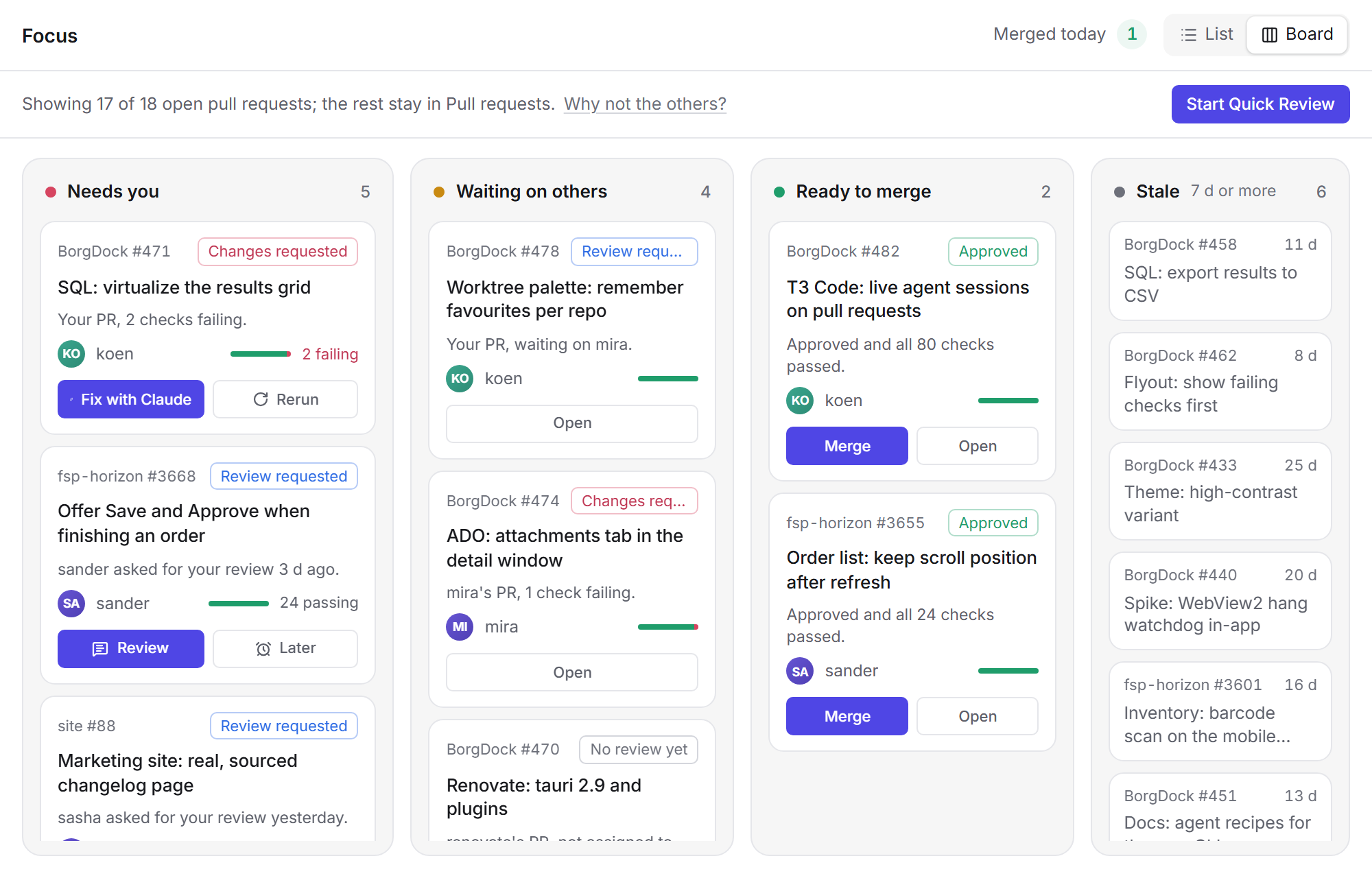
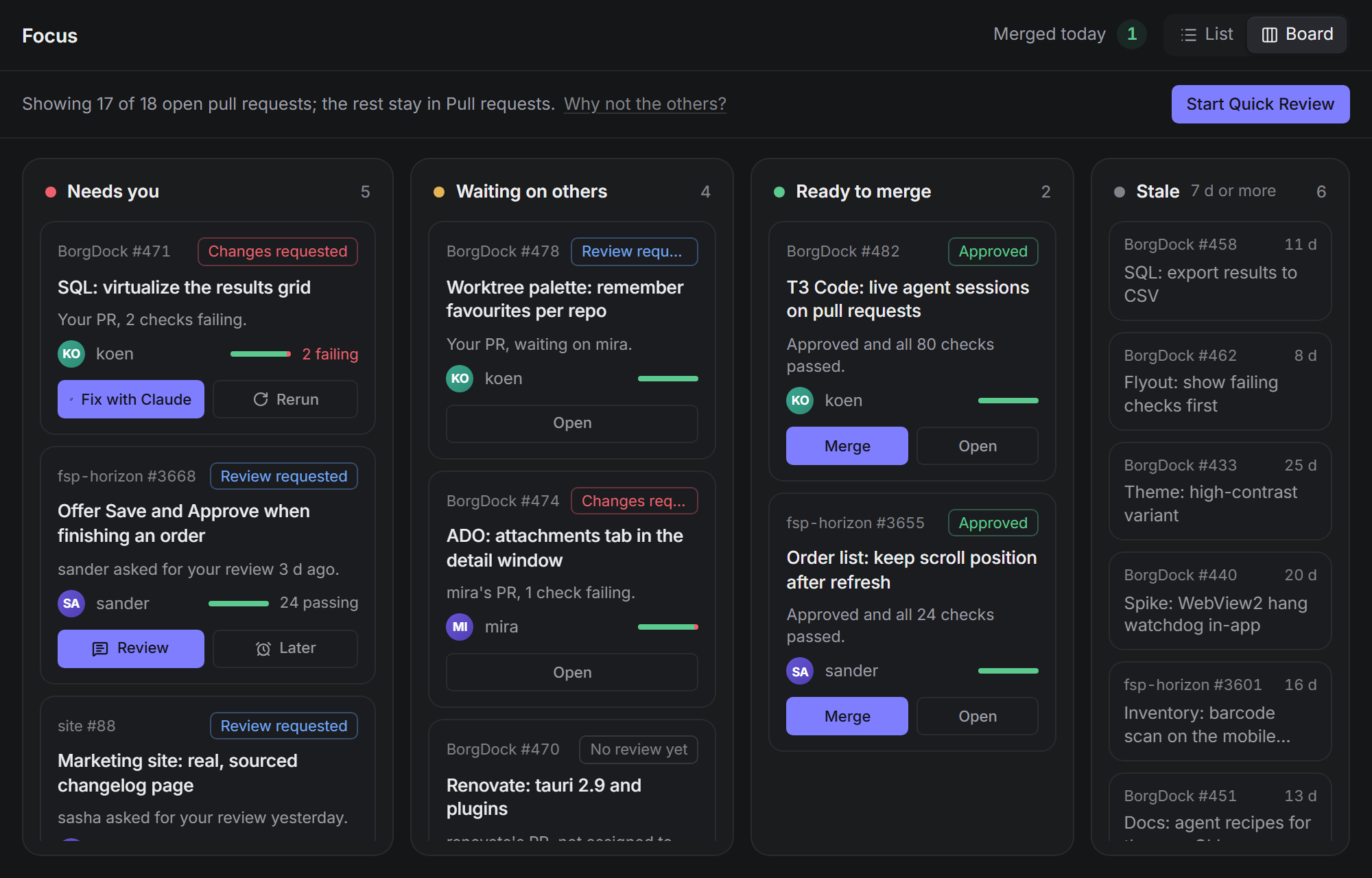
Focus picks out the pull requests that are waiting on you and tells you why each one is there. Switch to the board to see them in Needs you, Waiting on others, Ready to merge and Stale.
Dispatch
See your work and the agents on it
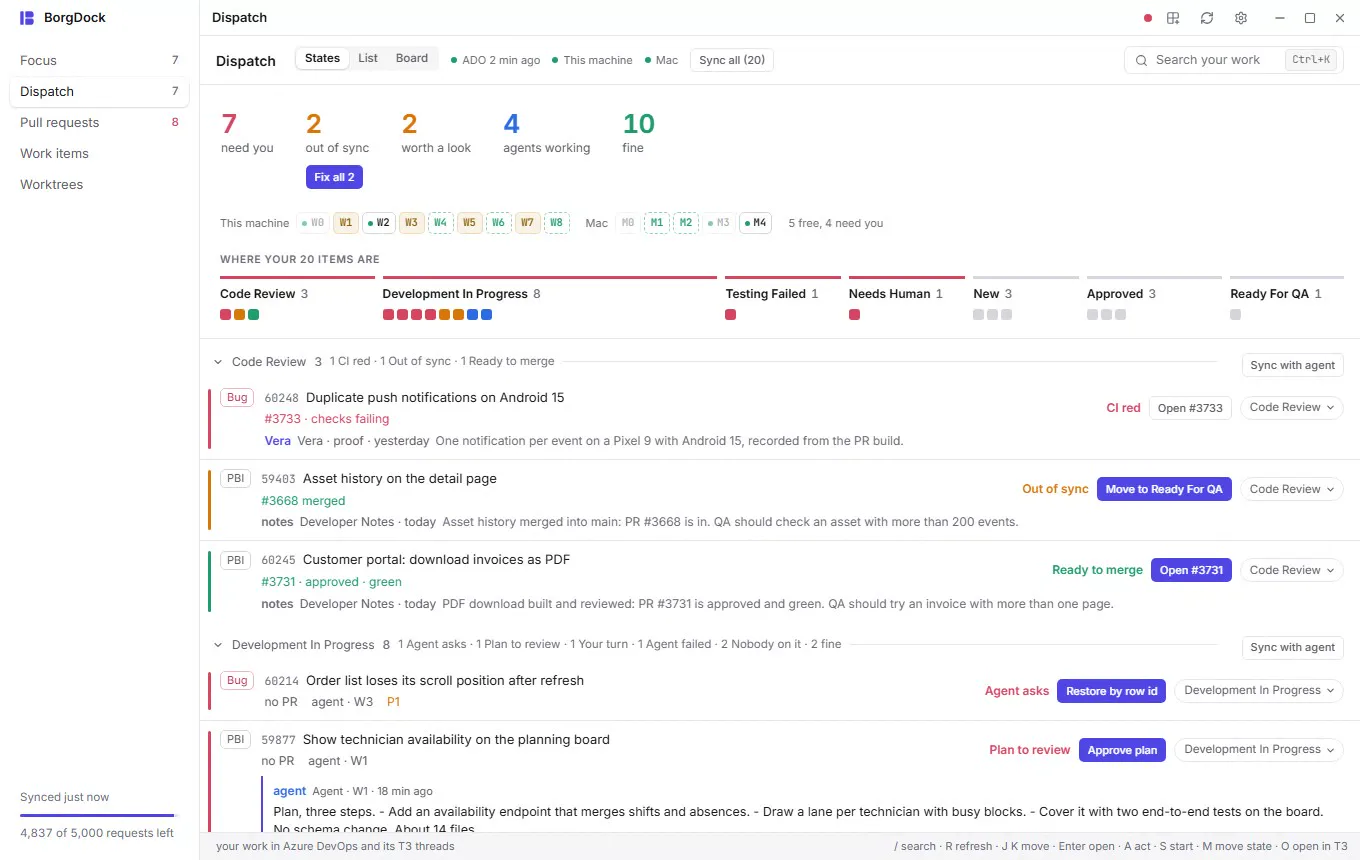
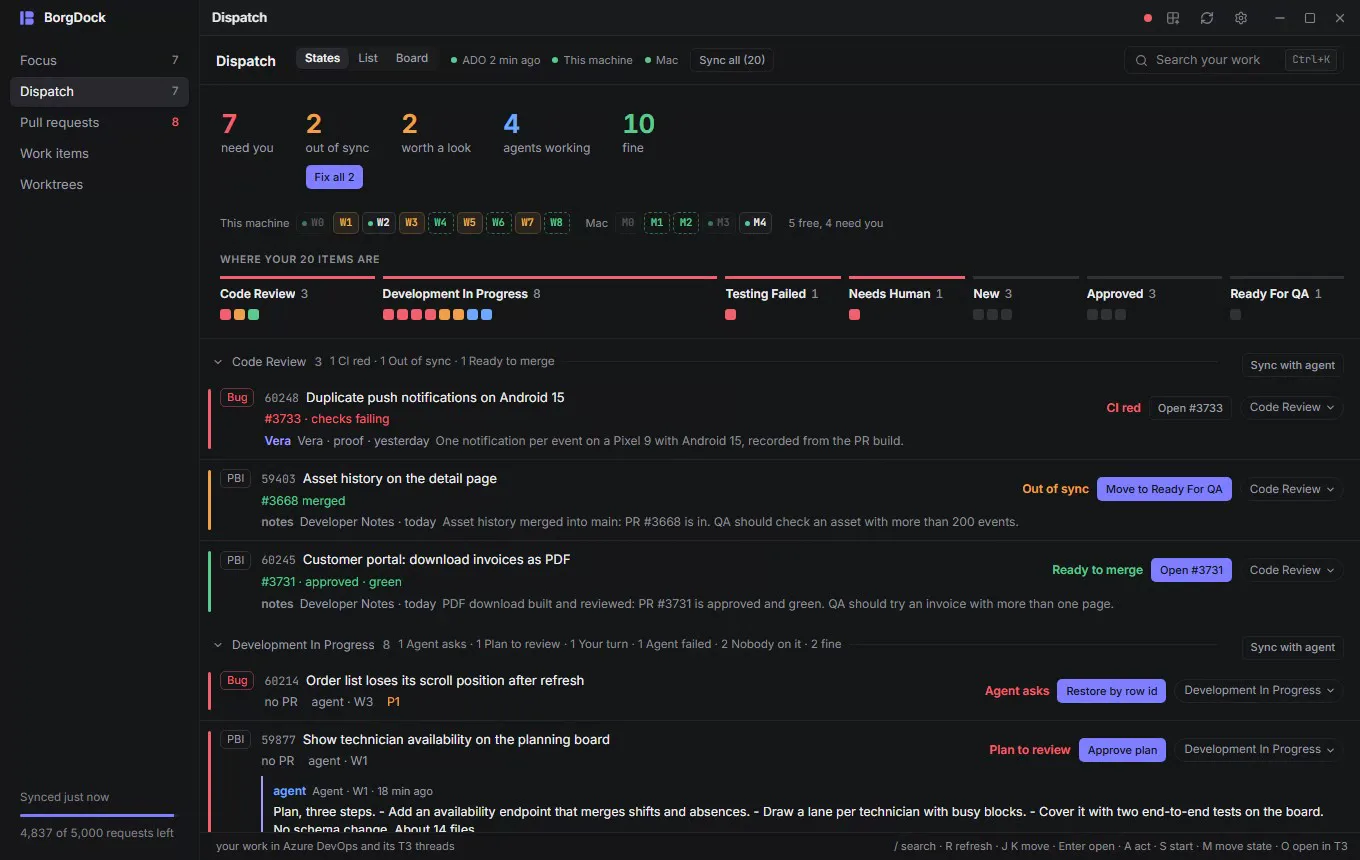
Dispatch puts your Azure DevOps items next to the T3 Code threads and pull requests that belong to them, and opens on a briefing: what needs you, what fell out of sync and what an agent is working on.
Click a number to see just those items, or start an agent on the next one from a free slot.
Act
Review, fix and merge in the same place
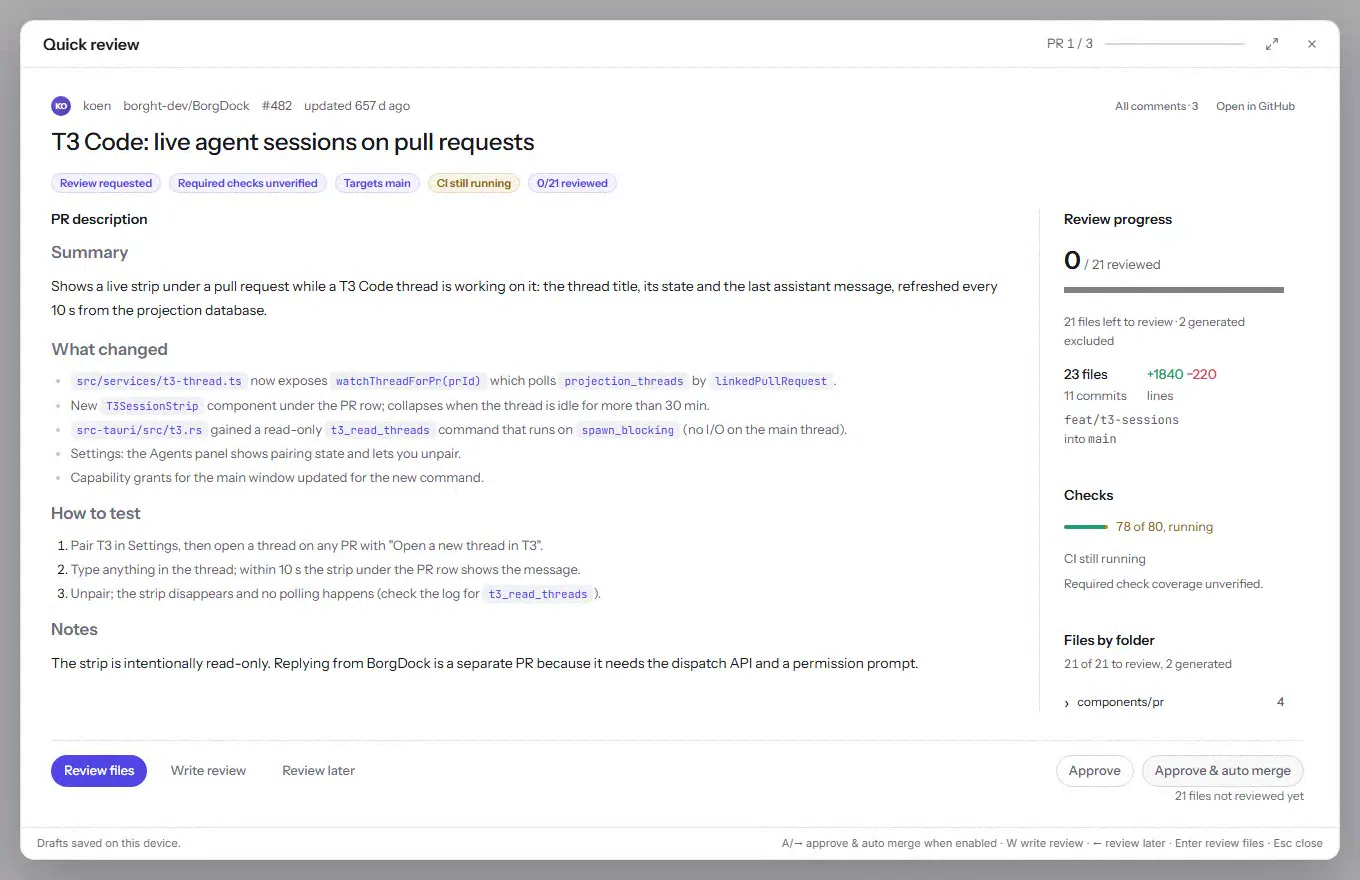
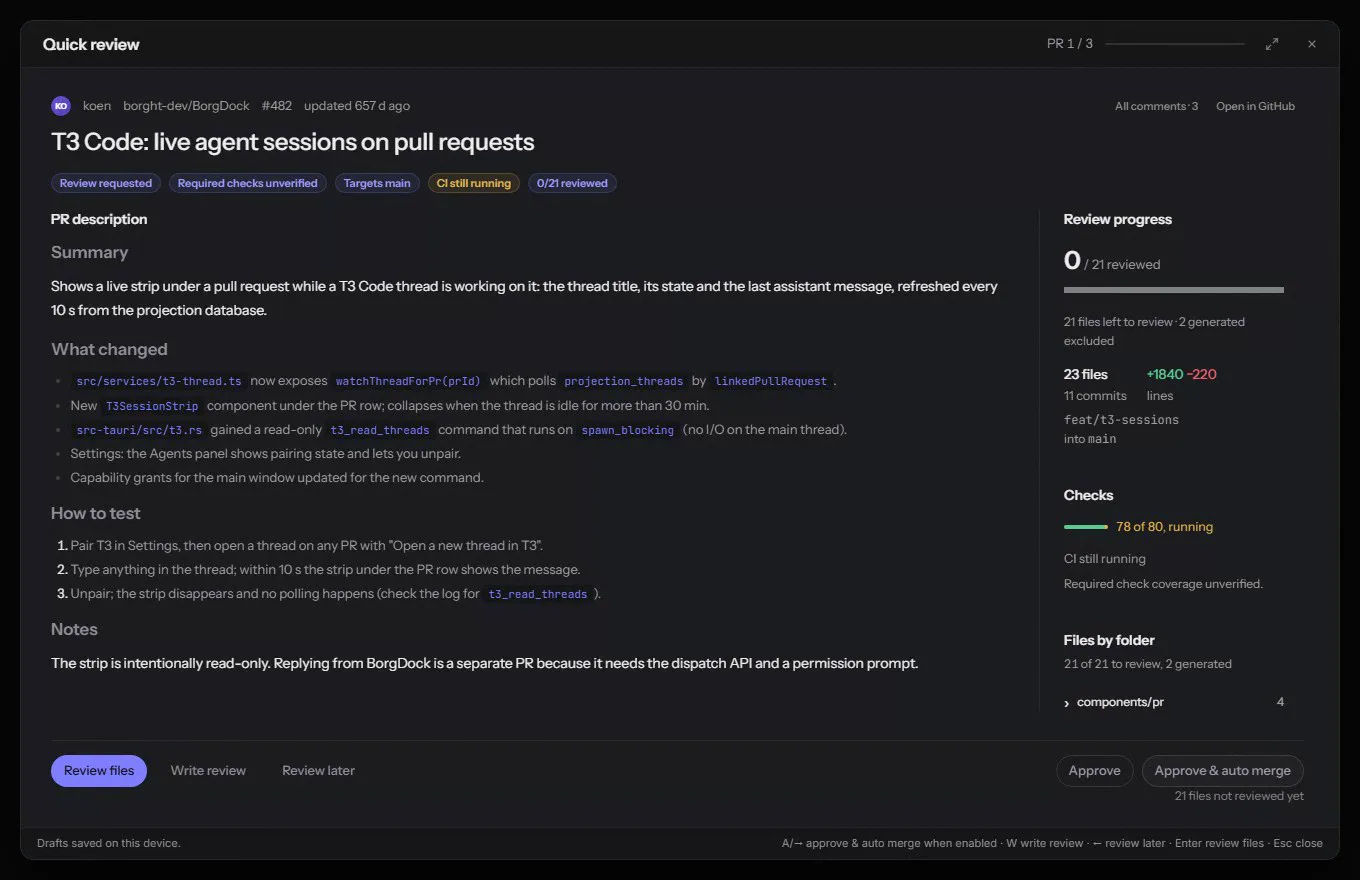
Press Review to open Quick review, which walks you through the changes one file at a time, images included. A failing check goes to Claude with Fix with Claude.
Approve & auto merge approves and lets GitHub merge the moment the checks pass.
Put it on the side of your screen.
Version 4.4.3, released October 22, 2026. Install it once and it keeps itself up to date.